
How do I change bezels, frames and mat styles on the Samsung Frame TV for a more “real art” look?
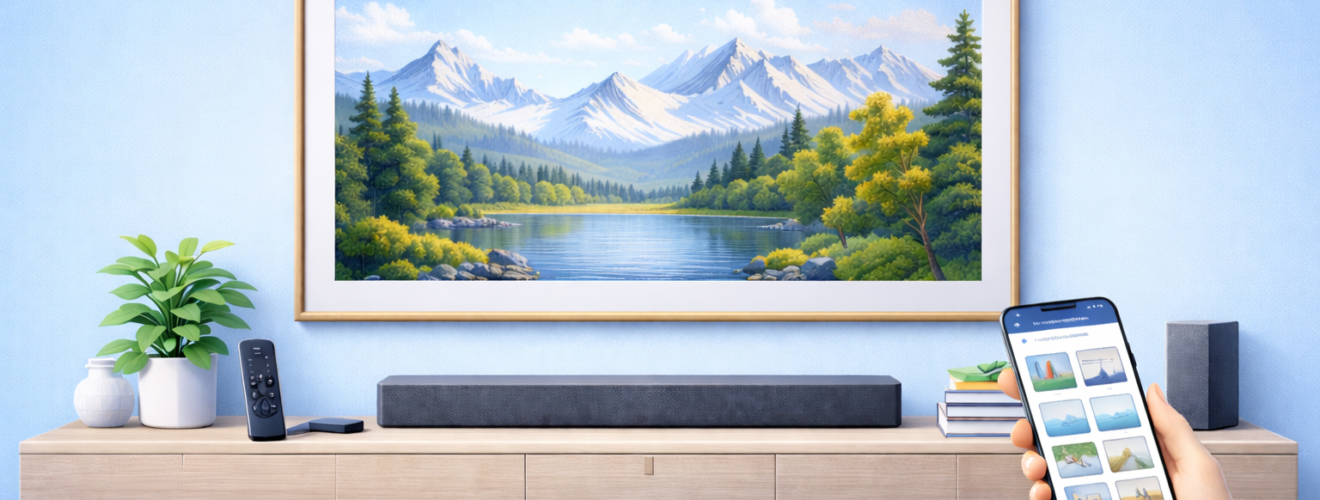
Applies to: Samsung The Frame TV (models with interchangeable bezels and Art Mode mat options)
Last updated: 27 January 2026
Problem
Your Samsung Frame TV works well, but it still looks a bit too much like a television. The default bezel may not suit your décor, or artwork may look unfinished without a realistic mat. You may also be unsure how to safely swap physical bezels without damaging the screen, or how to apply digital mat styles correctly in Art Mode.
Solution
The Samsung Frame TV is designed to be customised both physically and digitally. Interchangeable magnetic bezels let you change the colour and style of the TV frame, while Art Mode allows you to apply digital mats and borders to artwork. By choosing a bezel that suits your room and matching it with appropriate mat styles, you can significantly improve the illusion that the TV is a framed picture rather than a screen.
Step-by-step instructions
Check bezel compatibility before changing
- Confirm the exact model year and size of your Samsung Frame TV.
- Make sure the bezels you have purchased are designed specifically for that size and generation.
- Place the new bezels on a clean, flat surface before fitting.
- Power off the TV and let the screen cool if it has been on recently.
Using incompatible bezels can lead to poor fit or visible gaps.
Remove the existing bezels safely
- Stand in front of the TV and locate the edge of the current bezel.
- Gently pull the bezel away from the screen using your fingers.
- The bezel is held in place magnetically and should release with light, even pressure.
- Remove each side one at a time, supporting the bezel as it comes away.
- Place the removed bezels somewhere safe to avoid bending or scratching them.
Do not use tools or excessive force, as this can damage the screen or the bezel magnets.
Fit new physical bezels
- Identify the top, bottom and side bezels, as they may differ slightly in shape.
- Starting with one side, align the bezel with the edge of the TV.
- Gently press it into place until the magnets pull it flush against the screen.
- Repeat for the remaining sides, checking alignment as you go.
- Run your finger lightly around the edge to confirm all sections sit flat with no gaps.
Once fitted correctly, the bezels should feel secure and evenly aligned.
Choose digital mat styles in Art Mode
- Switch the TV into Art Mode.
- Select the artwork you want to display.
- Open Style, Mat or Frame options within Art Mode.
- Choose a mat style that complements both the artwork and the physical bezel.
- Adjust mat width so it looks proportional to the screen size and viewing distance.
- Apply the changes and preview the result full screen.
Neutral mats such as off white, cream or light grey usually look the most realistic.
Match mat styles to your physical bezel
- If your bezel is light or white, use softer, neutral mat colours.
- For darker bezels such as black or walnut, slightly darker or warmer mats often look more natural.
- Avoid very bright or high contrast mats unless the artwork style specifically suits them.
- Step back to your normal viewing distance to judge realism rather than evaluating up close.
Consistency between bezel colour and mat tone helps sell the illusion of framed art.
Save and reuse styles across artwork
- Apply the same mat style to multiple pieces for a gallery look.
- Create collections where all artwork uses similar mat widths and tones.
- Adjust mats individually for unusually shaped or very detailed artwork.
- Revisit mat settings if you change wall colour or lighting in the room.
Uniform styling makes rotating artwork feel intentional rather than random.
Optional methods or tools
- Seasonal bezel changes
Some users switch bezels seasonally, using lighter frames in summer and darker or wood tones in winter. - Testing styles in different lighting
View artwork with mats during both daytime and evening lighting to ensure colours still look natural. - Physical décor alignment
Match bezel colours with nearby picture frames, shelves or furniture for a cohesive wall design.
Best practices or tips
- Handle bezels gently and store unused ones flat to prevent warping.
- Avoid changing bezels while the TV is warm, as materials can be slightly more flexible.
- Keep mat styles subtle. Real artwork rarely uses bright white borders in softly lit rooms.
- If artwork looks artificial, reduce Art Mode brightness before changing mats. Brightness affects realism more than frame choice.
- Recheck bezel alignment after moving or cleaning the TV, as magnets can shift slightly.
Changing bezels and mat styles is one of the easiest ways to elevate the Samsung Frame TV from a clever gadget to a convincing piece of décor. A well chosen physical bezel combined with subtle digital mats helps artwork sit comfortably on the wall alongside real frames and prints. Once set up, these changes require very little maintenance but make a constant visual difference.
Over time, experimenting with different combinations helps you find what works best in your space. Whether you prefer a clean gallery style or a warmer, traditional look, the Frame’s flexibility allows you to adapt it without tools or permanent changes. When bezels, mats, brightness and lighting all work together, the TV truly fades into the background until you choose to use it.


