
How do I set up and mount the Samsung Frame TV flush to the wall for the first time?
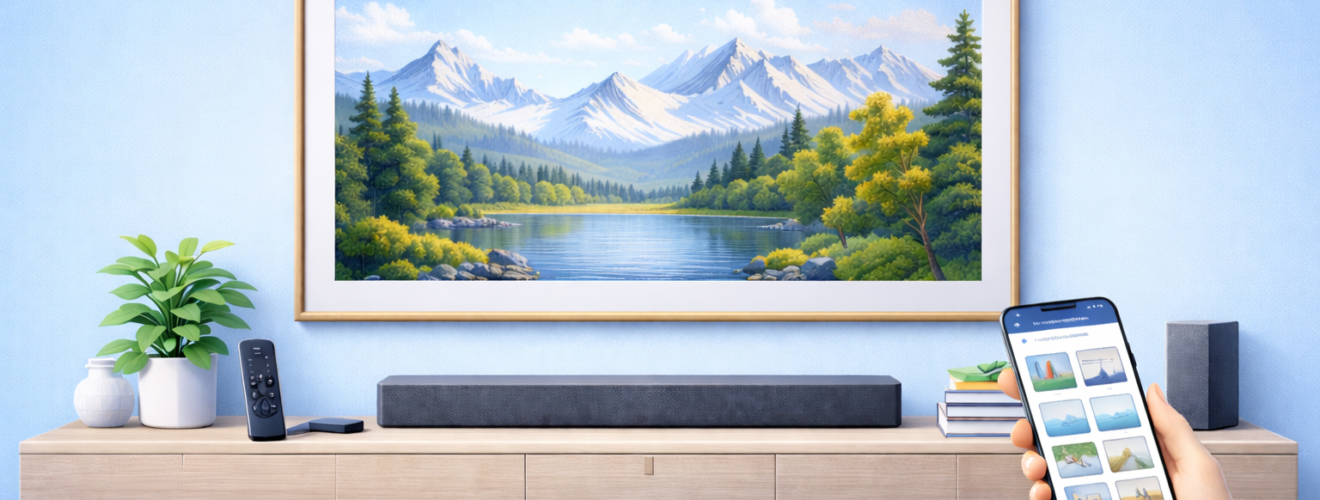
Applies to: Samsung The Frame TV (various sizes and model years with One Connect Box and Slim / No-Gap Wall Mount)
Last updated: 27 January 2026
Problem
You have bought a Samsung Frame TV and want it to look like a real picture frame on the wall, not like a bulky television. The box includes a special slim or no gap wall mount, a One Connect Box and a near-invisible cable, but the instructions can feel confusing. You want a clear walk through on what to unpack, where to put the One Connect Box, how high to mount the TV and how to get it sitting as flush to the wall as possible.
Solution
The Samsung Frame is designed to sit very close to the wall using its dedicated slim or no gap wall mount and a single near-invisible cable that runs to the One Connect Box. The basic process is: choose a suitable wall and viewing height, mount the bracket plates using the supplied template and fixings, connect the One Connect cable and power, lift the Frame onto the brackets, then level and push it back until it sits tight to the wall. Taking your time on the measuring and drilling stage is the key to a neat, picture frame style installation.
Step-by-step instructions
Plan the location and height
- Decide which wall you want to use.
- Make sure there is a nearby power socket or somewhere you can safely route power to the One Connect Box.
- Check what type of wall you have: solid brick, block, or plasterboard / stud wall. This matters for the fixings you will use.
- Sit where you will normally watch the TV and have someone hold a tape measure or piece of card on the wall at roughly eye level.
- As a rough guide, many people prefer the centre of the screen to be close to seated eye height. Adjust up or down to taste, especially if the room is used more for art display than for television viewing.
- Mark this approximate centre point lightly with a pencil.
If you are unsure, err slightly lower rather than higher. A Frame that is too high can be uncomfortable to watch.
Unbox and identify the parts
- Carefully unbox the Samsung Frame TV and place the screen face down on a soft, clean surface such as the foam packaging or a blanket.
- Identify the following key items:
- The Frame TV panel
- The slim or no gap wall mount brackets
- Wall screws and anchors (these may differ by region)
- The One Connect Box
- The One Connect cable (thin near-invisible cable)
- Power cable for the One Connect Box
- Check the quick start guide for your specific model so you are familiar with any differences in the mount design.
If you have purchased optional decorative bezels, set them aside for later. It is easier to mount the TV before fitting bezels.
Fix the wall mount brackets to the wall
- Locate the paper template or use the measurements in the guide to position the wall brackets relative to your marked centre point.
- Use a spirit level to ensure the template or bracket line is perfectly horizontal. This is essential so the Frame does not look crooked.
- Mark the drill holes lightly with a pencil.
- Before drilling, check for hidden pipes or cables using a detector where possible, especially on internal walls.
- For solid walls, use the supplied anchors or suitable wall plugs sized for the screws and your wall material.
- For plasterboard or stud walls, use appropriate heavy duty plasterboard fixings or fix into wooden studs wherever possible. The Frame is not extremely heavy, but it must be secure.
- Drill the holes to the correct depth and insert the wall plugs or anchors if required.
- Screw the wall mount plates to the wall, leaving no wobble. Double check with a spirit level that they are straight.
Take your time here. A few extra minutes on measuring and levelling saves a lot of frustration later.
Attach the brackets to the back of the TV
- Still with the TV face down on a soft surface, locate the mounting points on the rear of the panel.
- Attach the TV-side brackets supplied with the slim or no gap mount as shown in the manual.
- Tighten the screws firmly but do not over tighten.
- Make sure any hinged parts of the bracket move freely if your model uses a tilting mechanism to allow you to adjust the gap to the wall.
Position the One Connect Box and cables
- Decide where the One Connect Box will live. Common choices are:
- In a media cabinet below the TV
- On a shelf or sideboard nearby
- In an adjacent cupboard, provided ventilation is adequate
- Ensure the One Connect Box can reach both a power socket and your broadband router or network connection if you plan to use wired Ethernet.
- Plan the route for the One Connect cable between the TV location and the box. Options include:
- Surface mounting along the wall with trunking
- Running it in the wall if you are comfortable with more advanced DIY or using a professional installer
- Dropping it straight down to a cabinet underneath
- Do not bend the cable sharply or pinch it. Use gentle curves and avoid trapping it where the TV will sit against the wall.
Connect the One Connect cable and power
- Plug one end of the One Connect cable firmly into the One Connect Box.
- Plug the other end into the matching port on the back of the Frame TV. It should click into place securely.
- Connect the power cable to the One Connect Box and plug it into a mains socket, but leave the switch off for now.
- If you are using external devices such as a soundbar, games console or set top box, connect them to the HDMI ports on the One Connect Box.
- Connect an aerial or satellite feed to the Box if you plan to use broadcast TV.
Mount the Frame TV on the wall
This part is easier with two people.
- With one person on each side, carefully lift the Frame TV and turn it upright.
- Align the TV-side brackets with the wall brackets.
- Gently lower the Frame so that the brackets engage and lock as designed. You should feel it sit onto the mount.
- Step back and check that the TV is approximately level. Many models allow a small amount of adjustment to correct slight tilts.
- Gently push the bottom of the TV towards the wall so it sits as close as the mount allows. Some designs have click positions you can adjust to reduce the gap.
If the TV looks too high, low or off level, carefully lift it back off the mount and adjust the wall brackets as needed.
Final alignment and checks
- Stand back at your normal viewing distance and check that the Frame looks straight and centred on the wall.
- Use a spirit level along the top edge if you want to be precise.
- Adjust the tilt or bracket position slightly if your model allows it and if you notice any small lean.
- Turn on the power at the mains and use the remote to switch on the TV.
- Follow the on screen prompts to complete the initial setup (language, Wi Fi, Samsung account and so on).
- Test that all connected devices work through the One Connect Box.
- If you have decorative bezels, attach them now according to the instructions. They usually snap into place magnetically around the screen.
Optional methods or tools
- Professional installation
If you are not confident drilling into walls or dealing with stud locations and cable routing, consider paying for a professional installation. Many retailers and installers are familiar with The Frame and can handle both mounting and cable concealment. - In wall cable routing and trunking
For a truly picture like finish, you can hide the One Connect cable in the wall and bring it out low down near a cabinet. This usually involves cutting a channel or using brush plates. If you are not experienced with this, consult an electrician or AV installer. - Using a VESA mount instead
Some users choose a standard VESA wall mount with tilt or swivel rather than the included slim mount. This will not sit quite as flush, but it can be useful if you need more adjustment or have a complex wall.
Best practices or tips
- Always check the weight rating and compatibility of any fixings if you are not using the supplied kit, especially on plasterboard or stud walls.
- Make sure the One Connect Box has space around it for air to circulate. Avoid sealing it in a completely closed cabinet without ventilation.
- When routing the One Connect cable, do not sharply bend or kink it. Treat it carefully to avoid damage that might cause signal issues later.
- Keep the top of the Frame free of heavy ornaments. It is tempting to treat it like a shelf, but extra weight can stress the brackets.
- Before drilling, measure twice and use a level. Small errors in alignment are very visible when the Frame is pretending to be a picture on the wall.
- Keep the original screws, plugs and any spare parts in the box. They are useful if you move house or want to remount the TV in a new location.
Mounting a Samsung Frame TV so it really looks like a piece of art is mostly about preparation and patience. Choosing the right height, carefully levelling the wall plates and planning where the One Connect Box and cable will go makes the physical hanging stage much simpler. Once the dedicated slim or no gap mount is in place and the cable path is planned, getting the Frame onto the wall is usually a smooth two person job rather than a wrestling match.
After the TV is mounted and powered, you can focus on the fun part: setting up Art Mode and styling the space around it. Having the screen sitting close to the wall with a tidy cable run and a well chosen height helps the illusion that it is a framed print rather than a television. If you move home or redecorate later, keeping these steps to hand makes it easier to take the Frame down and remount it correctly without guessing the measurements from scratch.


