
How to Block and Unblock Email Addresses in Yahoo Mail
Applies to
Yahoo Mail
Last updated
2 March 2026
Problem
You are receiving unwanted emails from a specific sender and want to stop them from appearing in your inbox. Alternatively, you may have blocked someone previously and now need to reverse that action.
Blocking senders in Yahoo Mail prevents messages from reaching your inbox, helping reduce spam and unwanted communication.
Solution
Use Yahoo Mail’s built in security settings to block specific email addresses. You can also review and remove blocked addresses at any time.
Step-by-step instructions
Open Yahoo Mail
Go to:
Log in to your account.
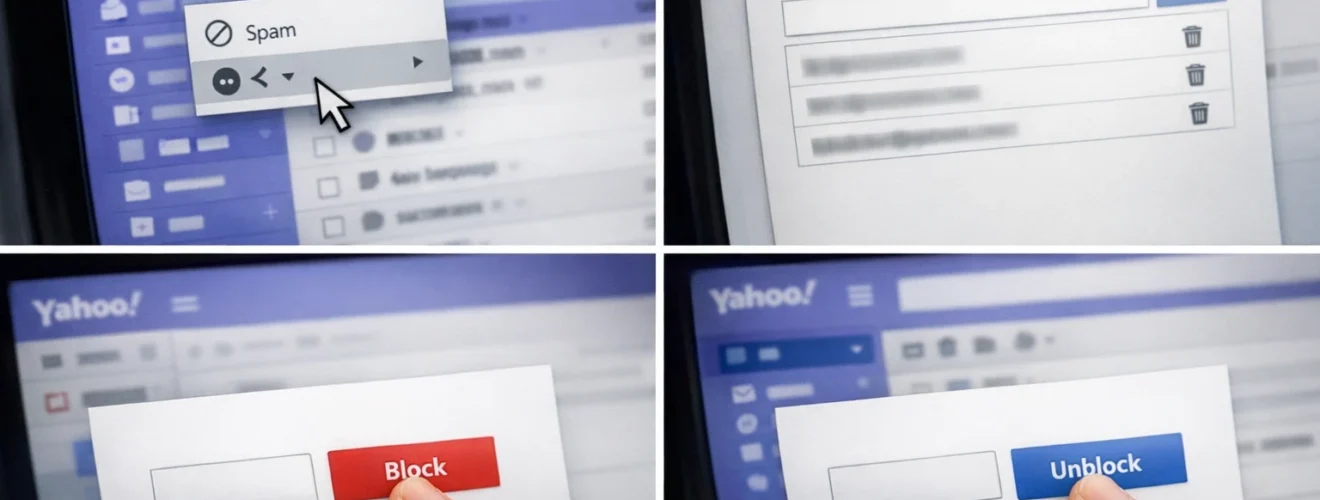
Block an email address from a message
Open the email from the sender you wish to block.
Click the More icon in the email toolbar.
Select Block sender.
Confirm the action.
Future emails from this address will be sent to Spam automatically.
Block an email address manually
Click the Settings icon in the top right corner.
Select More Settings.
Choose Security and Privacy from the left menu.
Scroll to the Blocked addresses section.
Click Add and enter the email address you want to block.
Click Save.
Unblock an email address
Go to:
Open Settings and select More Settings.
Navigate to Security and Privacy.
In the Blocked addresses section, find the email address.
Click the Remove icon next to the address.
Click Save.
The sender can now email you again.
Optional methods or tools
- Use filters to redirect emails instead of blocking
- Mark emails as Spam to improve filtering accuracy
- Create rules for organising promotional emails
- Report suspicious emails through Yahoo Mail tools
Best practices or tips
- Block persistent spam senders immediately
- Avoid replying to suspicious emails
- Review blocked list periodically
- Combine blocking with spam reporting
- Keep your email address private where possible
Blocking unwanted senders in Yahoo Mail through https://mail.yahoo.com helps maintain a clean and secure inbox. The block feature ensures future emails from selected addresses do not reach your primary inbox.
Regularly reviewing blocked addresses and adjusting filters improves long term email management. With proper use of Yahoo Mail’s security settings, you can significantly reduce unwanted messages and maintain better inbox control.


