
How to Create and Manage Contacts in Yahoo Mail
Applies to
Yahoo Mail
Last updated
2 March 2026
Problem
You want to save email addresses, organise contacts, or update existing contact details in Yahoo Mail, but you are unsure where the contacts section is located. Without saving contacts properly, you may need to manually enter email addresses repeatedly or risk sending messages to outdated addresses.
Managing contacts efficiently ensures quicker email composition and better communication accuracy.
Solution
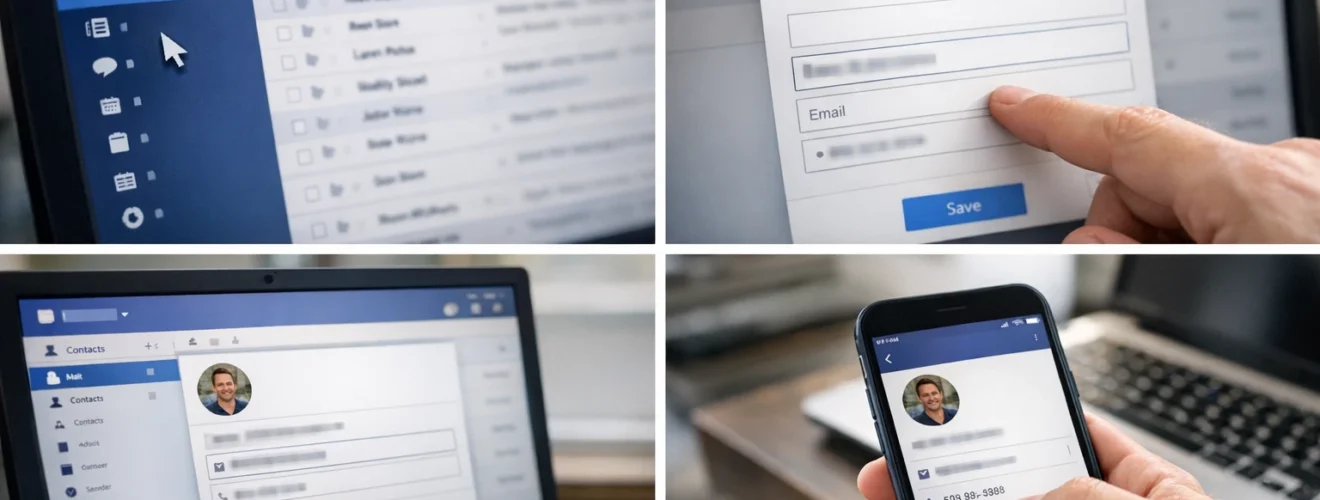
Use the Yahoo Contacts page to add, edit, delete, and organise contact information. You can access contacts directly from Yahoo Mail and maintain a clean address book.
Step-by-step instructions
Open Yahoo Contacts
Log in to Yahoo Mail at:
Click the Contacts icon in the right side panel, or go directly to:
Add a new contact
Click Add a new contact.
Enter the person’s:
First name
Last name
Email address
Phone number
Additional notes if required
Click Save.
The contact will now appear in your contact list.
Edit an existing contact
Search for the contact using the search bar.
Click on the contact’s name.
Select Edit.
Update the information and click Save.
Delete a contact
Open the contact’s profile.
Click Delete.
Confirm the deletion.
The contact will be removed permanently.
Create contact lists
Click Lists or New List in the contacts section.
Enter a list name such as Work Team or Family.
Add multiple contacts to the list.
This allows you to send emails to a group without entering each address manually.
Use contacts when composing emails
When composing a new email at:
Start typing a saved contact’s name in the To field.
Yahoo Mail will automatically suggest matching contacts.
Select the correct contact to add them instantly.
Optional methods or tools
- Import contacts from another email provider
- Export contacts for backup purposes
- Merge duplicate contacts if necessary
- Add profile pictures for easier recognition
Best practices or tips
- Regularly update outdated email addresses
- Remove duplicate contacts to prevent confusion
- Create contact lists for frequently emailed groups
- Back up contacts periodically
- Review your contact list annually
Managing contacts in Yahoo Mail through https://contacts.yahoo.com ensures your address book remains organised and accurate. Saving contacts properly reduces typing errors and speeds up email composition.
By maintaining updated contact details and using lists for group communication, you improve efficiency and minimise delivery mistakes. Well managed contacts make Yahoo Mail easier to use for both personal and professional communication.


