
How to Attach Files and Send Large Attachments in Yahoo Mail
Applies to
Yahoo Mail
Last updated
2 March 2026
Problem
You need to send a document, photo, or large file through Yahoo Mail, but you are unsure how to attach it properly. In some cases, attachments fail to upload, exceed size limits, or are rejected by the recipient’s email provider.
Understanding how attachments work in Yahoo Mail helps prevent delivery issues and ensures files are sent successfully.
Solution
Use the paperclip attachment feature within the compose window and follow Yahoo’s file size guidelines. For larger files, use cloud storage links instead of direct attachments.
Step-by-step instructions
Open Yahoo Mail
Go to:
Log in to your account.
Click Compose
Select Compose in the top left corner of the screen to open a new email.
Attach a file
Click the paperclip icon at the bottom of the compose window.
Choose the file from your computer or device.
Wait for the upload to complete before continuing.
A progress bar will show when the file is uploading.
Check attachment size
Yahoo Mail supports attachments up to a specific size limit per email. If your file is too large, the upload may fail.
If the file exceeds the limit, consider compressing it into a ZIP file before uploading.
Send large files using cloud links
If the attachment is too large, upload it to a cloud storage service.
Copy the shareable link.
Paste the link into the body of your email instead of attaching the file directly.
Review before sending
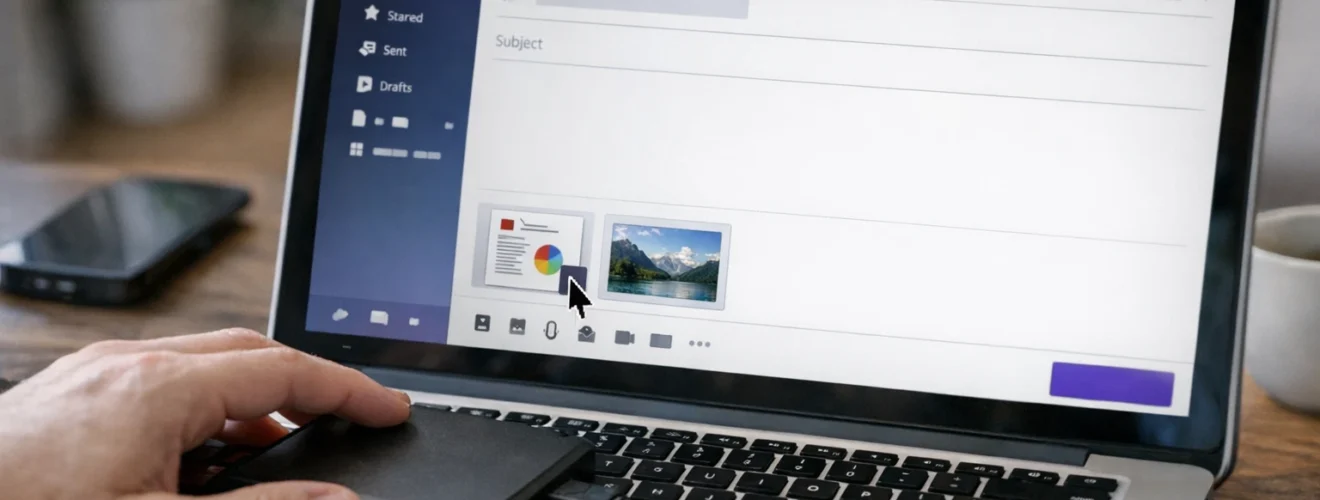
Confirm the attachment appears below the subject line.
Double check recipient addresses and subject.
Click Send.
Optional methods or tools
- Compress files into ZIP format before attaching
- Upload large files to cloud storage and share the link
- Scan attachments with antivirus software before sending
- Use desktop browser for large file uploads
Best practices or tips
- Avoid sending extremely large attachments through email
- Clearly label attachments in the email body
- Double check that attachments are included before sending
- Use descriptive file names
- Delete unnecessary attachments from Sent folder to manage storage
Attaching files in Yahoo Mail is simple when using the paperclip feature at https://mail.yahoo.com. Ensuring files are within size limits and fully uploaded before sending prevents delivery errors.
For larger documents, using cloud storage links is often more reliable than direct attachments. With proper file management and review, Yahoo Mail allows smooth and secure file sharing.


