
How to Enable and Customise Yahoo Mail Signature
Applies to
Yahoo Mail
Last updated
2 March 2026
Problem
You want your emails to automatically include your name, contact details, or company information, but you are unsure how to set up a signature in Yahoo Mail. Without a signature, you may need to manually type your details at the end of every message.
Setting up a professional email signature saves time and ensures consistency.
Solution
Enable the signature feature within Yahoo Mail settings and customise it with your preferred text, formatting, and contact information.
Step-by-step instructions
Open Yahoo Mail
Go to:
Log in to your account.
Access settings
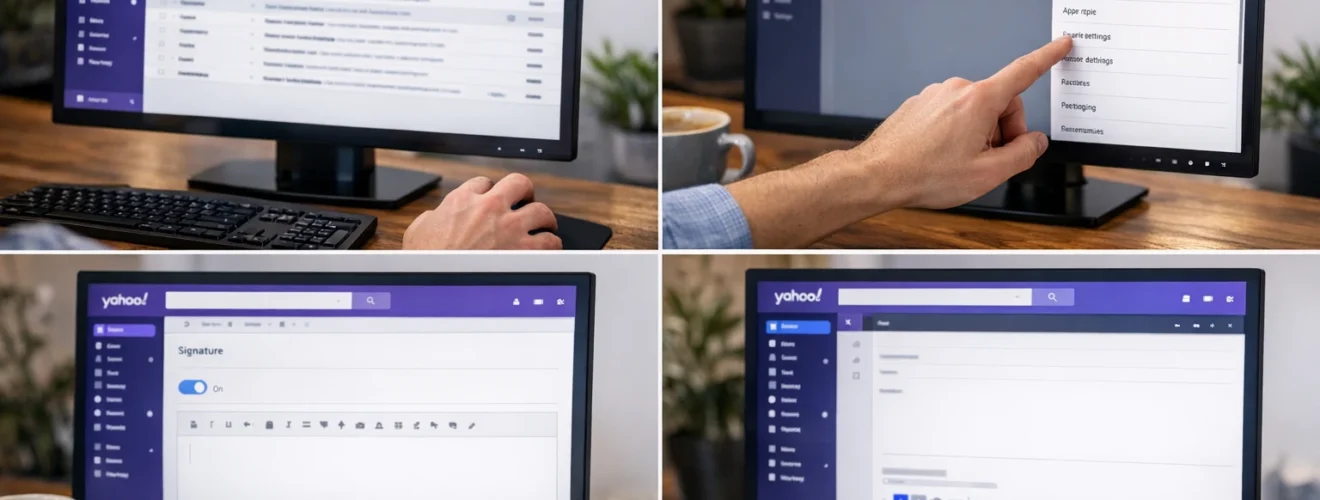
Click the Settings icon in the top right corner.
Select More Settings.
From the left menu, choose Writing email.
Enable the signature feature
Locate the Signature section.
Turn on the toggle for your email account.
A text box will appear where you can enter your signature.
Create your signature
Enter your desired signature details such as:
Your full name
Job title
Company name
Phone number
Website
Social media links
Use the formatting toolbar to adjust font style, size, bold text, or add links.
Save your changes
Once complete, your signature will automatically appear at the bottom of new emails.
Compose a new message to confirm it appears correctly.
Set different signatures if needed
If you have multiple Yahoo email accounts linked, you can create separate signatures for each account within the same settings page.
Optional methods or tools
- Use simple formatting for a professional appearance
- Add clickable website links
- Include a company logo image if supported
- Test your signature by sending yourself a sample email
Best practices or tips
- Keep signatures concise and professional
- Avoid using excessive colours or large images
- Ensure contact details are accurate
- Update your signature when job roles change
- Review how your signature appears on mobile devices
Adding a signature in Yahoo Mail through https://mail.yahoo.com ensures every email you send includes consistent contact information. This improves professionalism and saves time when communicating regularly.
By customising your signature with essential details and clean formatting, you create a clear and reliable email identity. Once enabled, Yahoo Mail automatically inserts your signature into outgoing messages for convenience and consistency.


