
What’s the difference between bootstrap.ini and customsettings.ini in MDT?
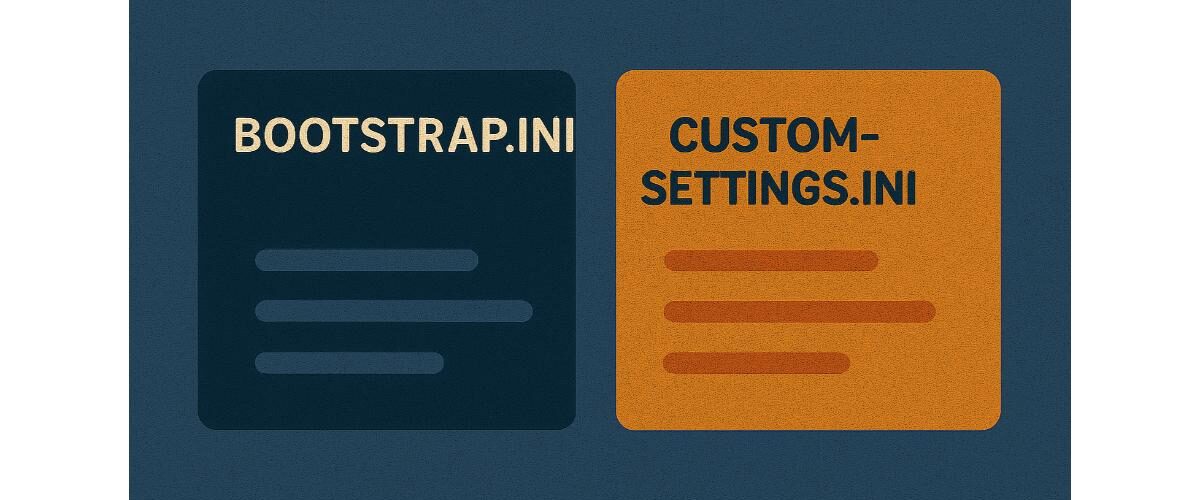
Applies to: Microsoft Deployment Toolkit (MDT) 8456 and later
Last updated: May 2025
Problem
You’re setting up or customizing MDT deployments and need to understand when to use bootstrap.ini versus customsettings.ini.
Solution
Both files control MDT deployment behavior, but they serve different purposes and operate at different stages of the deployment process.
Key Differences
| Feature | bootstrap.ini | customsettings.ini |
|---|---|---|
| Purpose | Controls the initial boot configuration | Controls deployment wizard settings and logic |
| When it’s used | During boot/WinPE phase | After connection to Deployment Share is made |
| Where it lives | <DeploymentShare>\Control\Bootstrap.ini | <DeploymentShare>\Control\CustomSettings.ini |
| Copied to Boot Image? | Yes, embedded in LiteTouch boot image | No |
When to Use bootstrap.ini
- Specify credentials to connect to the Deployment Share
- Set the Deployment Share path (UNC)
- Pre-fill domain, user ID, password
- Choose the deployment environment (automated vs interactive)
Example:
[Settings]
Priority=Default
[Default]
DeployRoot=\\MDT01\DeploymentShare$
UserID=MDTAdmin
UserDomain=yourdomain
UserPassword=P@ssw0rd
KeyboardLocale=en-US
When to Use customsettings.ini
- Automate deployment wizard responses (e.g., computer name, domain join, Task Sequence)
- Set conditions, rules, or roles
- Control application or driver installation logic
Example:
[Settings]
Priority=Default
Properties=MyCustomProperty

[Default]
OSInstall=YES
TimeZoneName=Pacific Standard Time
JoinDomain=yourdomain.local
DomainAdmin=MDTJoin
DomainAdminPassword=P@ssw0rd
TaskSequenceID=WIN11ENT
Tips
- Changes to
bootstrap.inirequire updating the Deployment Share to regenerate the boot image. - Changes to
customsettings.initake effect immediately—no need to update boot media. - Use
Priorityand section blocks to create layered logic (e.g., by Model, Location, Role).
Notes
- Always keep backup copies of both files before editing.
- These files are case-sensitive in some contexts—check spelling of section names and properties.
- Use Monitoring and logs (e.g.,
BDD.log,ZTIGather.log) to troubleshoot rule processing.





